Globus Auth Error Fix For Weill Cornell Medicine Qatar Users
Globus Auth Error
Weill Cornell Medicine Qatar users: if you encounter this Globus error when logging into CAC Portal or Red Cloud Horizon Web Console
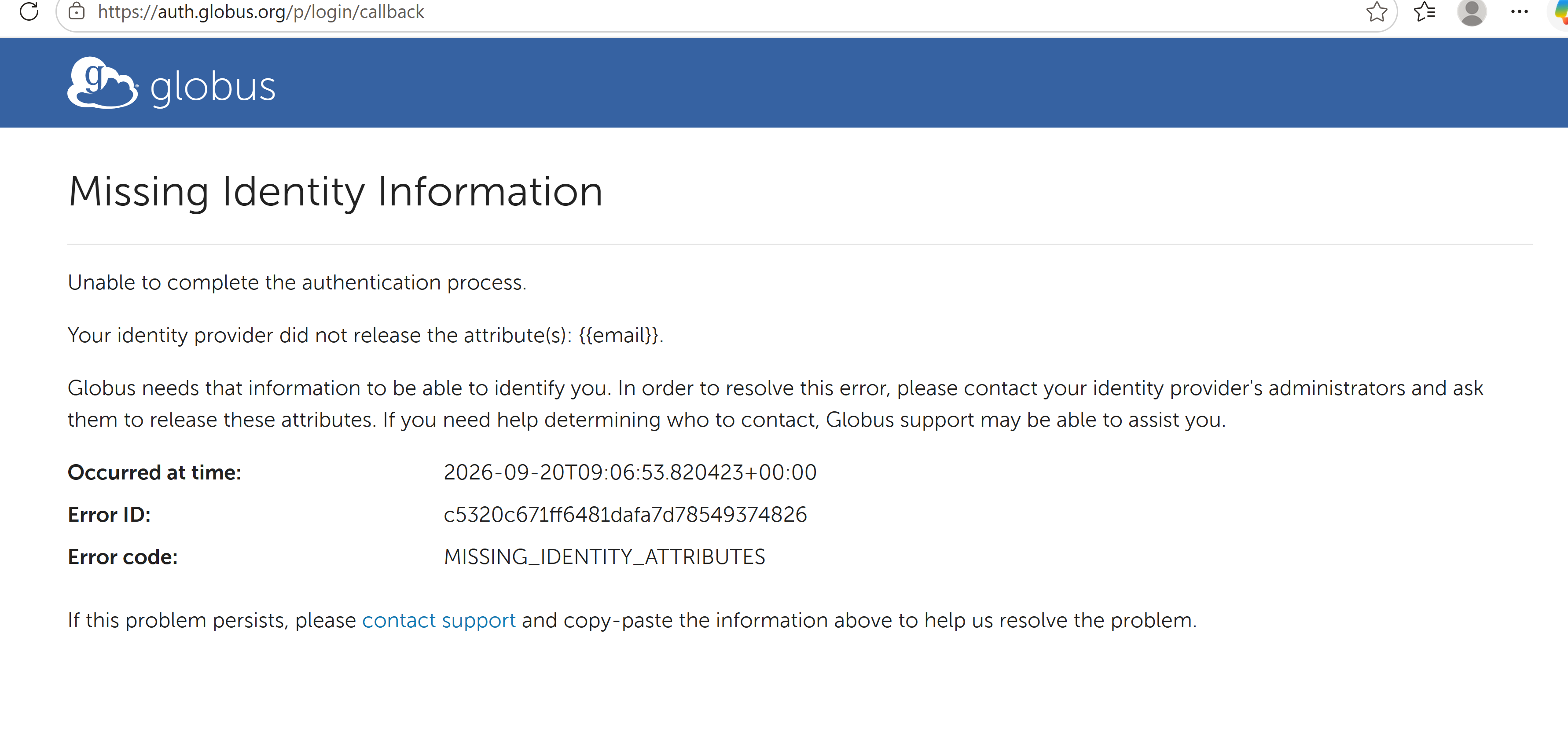
The error is caused by Globus requiring the email attribute in your CWID. Without the "email" attribute, your CWID will not work in Globus or any services using Globus for authentication, such as CAC Portal, Red Cloud Horizon Web Console, and Globus file transfer.
The Fix: Set the email Attribute for Your CWID
-
Go to https://directory.weill.cornell.edu and click on
Loginin the upper right corner.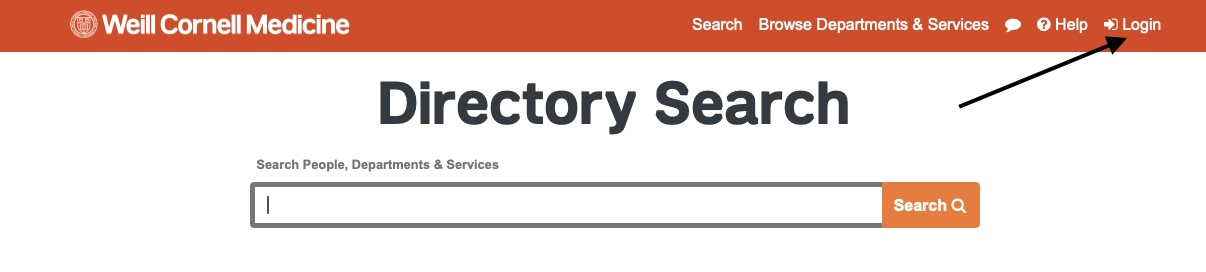
-
Please use your NY credentials by selecting "Weill Cornell Medicine (CWID)" on the next screen. Complete the login using your NY credentials.
-
Once successfully logged in, select "Edit Profile" in the pull down menu next to your name in the upper right corner.
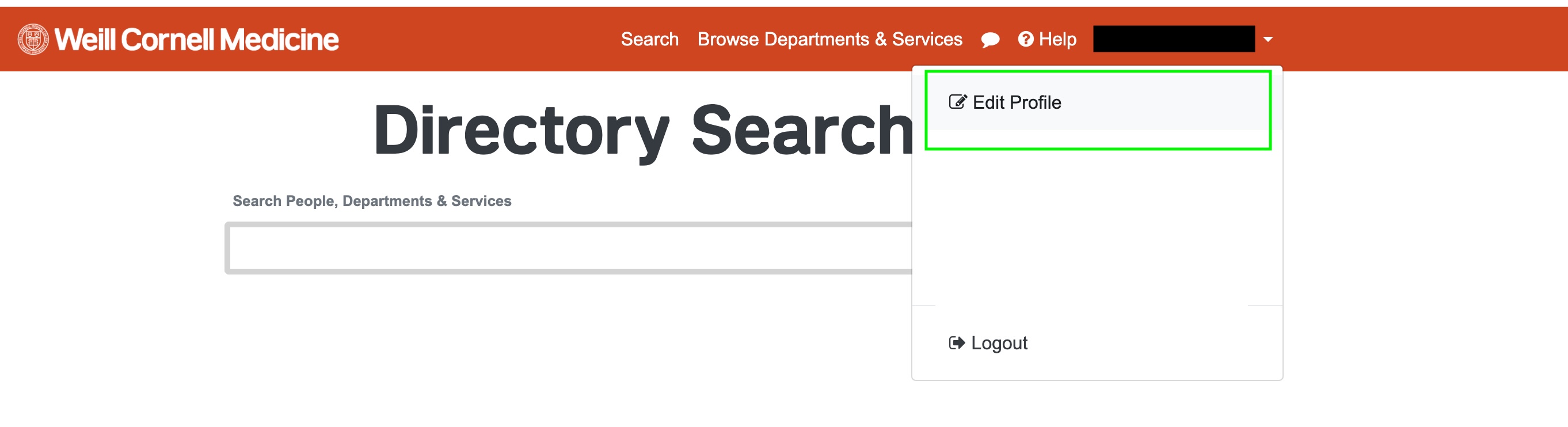
-
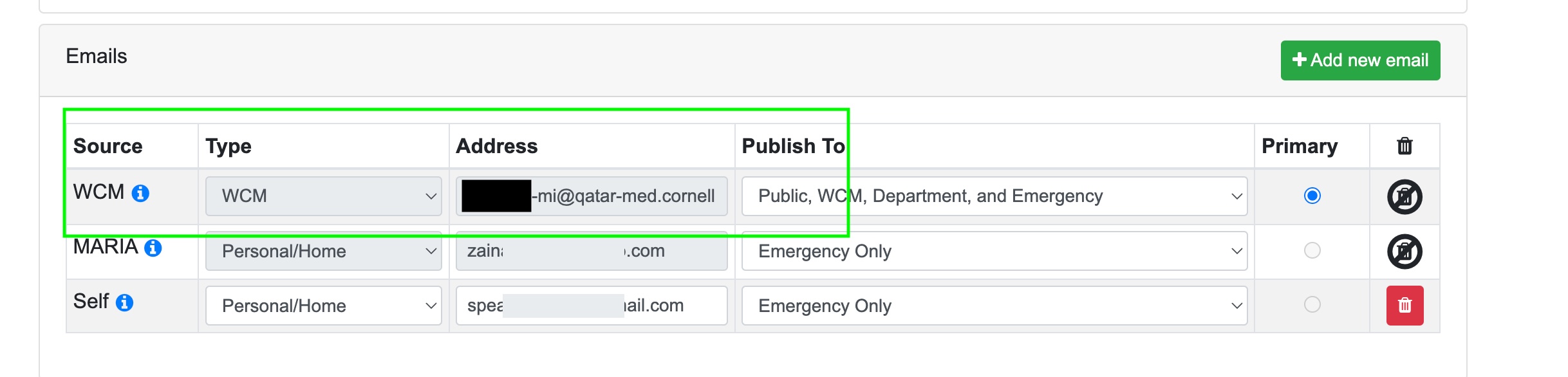
Scroll down until the bottom of the page to add your WCM-Q address and mark it as primary.