TensorBoard
TensorBoard application provides the TensorBoard interface in your browser, running on a Seneca compute node. Use it to monitor training runs, or visualize metrics from your TensorFlow logs. For the general launch workflow and resource selection guidance, see Interactive Apps.
Launching TensorBoard
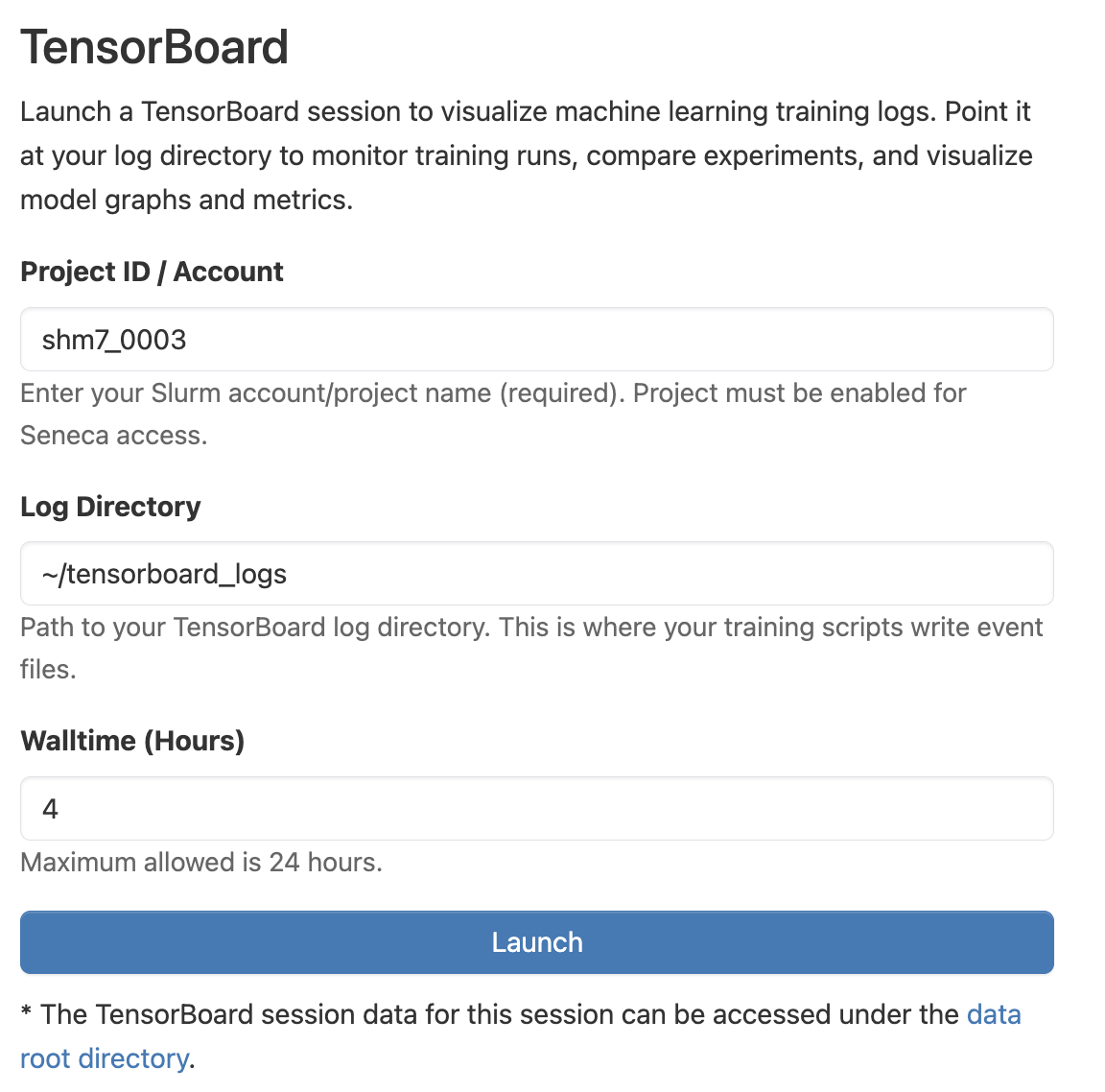
In the top navigation bar, click Interactive Apps and choose TensorBoard. Fill out the resource form:
- Project ID / Account: your CAC project name. The project must be enabled for Seneca access.
- Log Directory: path to your TensorBoard log directory, where your training scripts write event files.
- Walltime (Hours): session length, up to 24 hours.
Click Launch, then Connect to TensorBoard once the session is running.